Street Ball Jam Unblocked — Play Free Online
More Basketball games

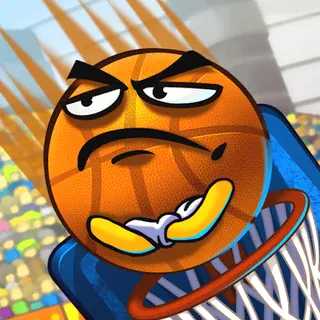






Street Ball Jam unblocked: play Street Ball Jam online free right here in your browser — no download, no sign-up, works on a school Chromebook.
Street Ball Jam is a basketball game with a street-court attitude. The description promises combos, alley-oops and a crowd to impress, so the emphasis is on showy play rather than a strict simulation of the sport. It loads in the browser with nothing to install, and a game is quick enough to fit between other things.
If you came to Basketball Stars for fast, arcade-style hoops, this is a natural next stop. The catalogue lists it under Basketball, and it is built around the same idea: get the ball, get to the rim, and score before the other side does. It is not a deep management game, so there is little to learn before you can play.
How to play
Move with the arrow keys or WASD. One further key handles both shooting and jumping, and which action you get depends on the situation: with the ball you shoot, and without it you jump. The listing says only "a key", so check the on-screen prompt when the game loads to see which one it is on your build.
The listing also says that games in this category often have a CPU mode and a two-player mode on one keyboard. We have not confirmed the exact menu for this title, so look at the start screen to see which modes are offered. If there is a two-player option, both players share one keyboard, with one using the arrows and the other using WASD.
A round is a short back-and-forth. You work the ball toward the hoop, choose between a shot and a jump-based move, and try to keep your scoring going. Because the game advertises combos and alley-oops, chaining moves is what gets you the flashy results.
Tips
- Spend the first minute learning what the action key does when you are standing still, when you are running and when you are near the hoop. Timing matters more than speed.
- Do not mash the key. In most arcade basketball games a shot released at the right moment is more accurate than one spammed, so pay attention to how the character moves.
- If you play with a friend, agree to swap sides part-way through, since the WASD side is usually more comfortable for the left hand.
- On a laptop, use a keyboard if you can. Touch controls can work, but they are usually less precise for this kind of game.
Similar games on Basketball Stars
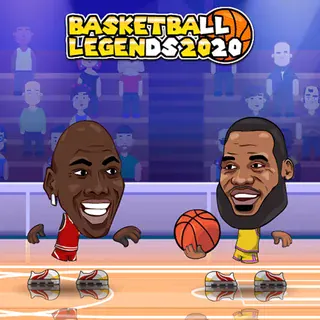
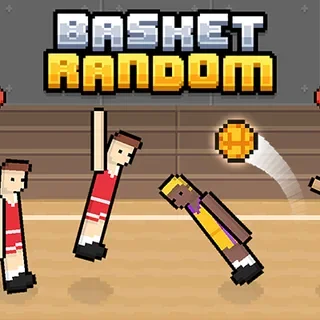
Basketball Stars is the headline game on this site and the most direct comparison. Basket Random takes a looser, more chaotic approach to the same sport, and Basketball Legends 2020 leans toward head-to-head matches with a partner. If you want something different, Slime Dunk and Dunkbrush change the format, and Football Legends and Soccer Legends 2021 move off the court while keeping the quick-match feel.
Street Ball Jam suits short sessions, and it works well when you want a quick game with a friend on the same keyboard. It is free and needs no account.
Questions about Street Ball Jam
Is Street Ball Jam unblocked at school?
Street Ball Jam runs in an ordinary browser tab from basketballstars.click, with nothing to download or install, so it plays on most school Chromebooks and work computers. If a network filter blocks the site, only that network's administrator can change it.
What are the controls in Street Ball Jam?
Move with the arrow keys or WASD. One action key handles shooting and jumping; the on-screen prompt shows which key it is.
Can two people play Street Ball Jam on one keyboard?
The listing says games like this often offer a two-player mode on one keyboard, with one player on the arrows and one on WASD. Check the start screen to see whether this build has it.
Is Street Ball Jam free?
Yes. It plays free in your browser on basketballstars.click, with no download or account.